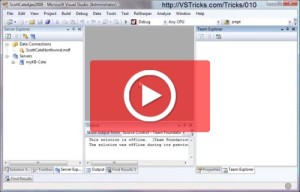
Dock targets are great, they greatly simplify the ability to place a dock panel in Visual Studio in just the right location. Like a mind reading snap-to feature 🙂 Sometimes these dock targets get in the way with what you’re trying to do. If you need to move a dockable panel to a very specific place, the dock target may be in the way. This trick shows you how to temporarily disable (only during the single drag-n-drop dock panel operation) dock targets.
Archives for January 2009
#009 Move Tool Windows to a Tabbed Document
January 8, 2009 by
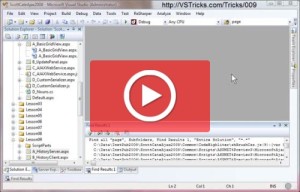
Tool Windows are great. But sometimes they contain too much information (like a search results window) to be displayed in the small portion you have allocated for the docked position of the window. This trick shows you how to move a Docked (or floating) window, up into your tabbed documents area.
#008 Undocking and Redocking in and out of Floating Windows
January 8, 2009 by
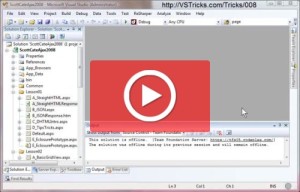
Docked windows are great, but are sometimes just a bit too small. They are sometimes holding more information (find results, or stack trace come to mind), than the real estate they have been given. You can easily resize the dock panel, but that will replace other real estate that you’re probably also looking at (which is the reason you have the panel docked in the first place). This trick will allow you to quickly change a docked panel, into a floating window (that can easily be moved out of the way [second screen???]), and when you’re done, easily snap that floating window back to the original docked panel location.
#007 Keyboard Navigation to Tool Window Toolbars
January 8, 2009 by
Visual Studio has many toolbars. The toolbars inside Tool Windows can be access from the keyboard. This video trick will show you how to move focus from the Tool Window, up onto the Toolbar, and select a specif icon.
[SHIFT]+[ALT] = Jump to Toolbar inside a focused Tool window.
[ALT]+[SHIFT] = Does not work, because the first [ALT] activates the Jump Keys (usually menu or links) lookup.
Sara Ford
January 7, 2009 by
Thank you Sara Ford for Starting VSTOD back in 2007. The tips were not easy to come up with, and you have spent many many hours/days/weeks/(more than a year in-fact) putting them together.
My hope is not only to enhance your original Tip Of the Day posts by adding video samples, but also continue to create new posts for tips and tricks from the Visual Studio team.
Sara also has a Visual Studio Tips and Tricks (251 Tips) book that is available here on Amazon. Sara is honored to send all proceeds of the book directly to a charity that helps send Hurricane Katrina survivors to college.