Similar Posts
#92 Jump to the beginning of some selected text when hitting escape
I hope this tip’s title makes sense. The idea is that you select some text and then hit escape. Where do you want the cursor to go? If you want it to stay where it is, that’s the default behavior. But if you want it to jump to the beginning of the selection (i.e. the…
#67 Search in hidden text in the editor?
Ever try to search for something you know exists, BUT … the Quick Find just can’t find it? Is it possible that the text you’re looking for is in a hidden region? This video shows you how toe search hidden text in collapsed regions. [CTRL]+[F] brings up the Find and Replace tool window. You can…
#35 Details on Outlining in Visual Studio
Onlining,Onlining,Onlining. You know the little [+] in the left margin of your code in Visual Studio? That is called outlining, and if you click the [+] your code region will expand, and the icon changes to a [-]. Pretty straight forward. But did you know you can do all of this from the keyboard, without using…
#505 Search within your Find Results
Ever user [CTRL]+[SHIFT]+[F] and find too many results? Narrow your search scope, OR … search within the results. Didn’t know you could do that did you? This video shows you how.
#016 Understanding and Customizing Keyboard Shortcuts
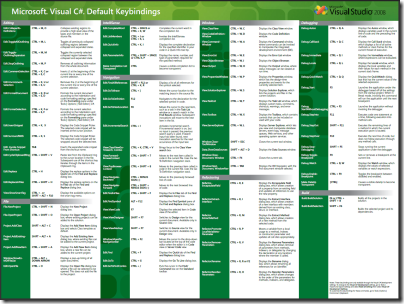
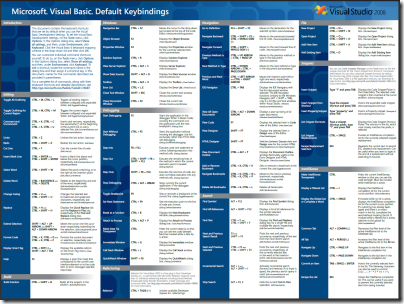
Visual Studio has a ton of Keyboard shortcuts built in. In fact, there are HUGE PDF Prints available for VS2005 C# and Visual Basic, as well as VS2008 C# and VS2008 Visual Basic. If you want to change or add to the current keyboard shortcuts, this video shows you how. Visual Studio 2010 Keyboard Shortcuts for…
#81 Replace in all files (With Undo Support)
Global search/replace can be tricky. Often times you’ll end up replacing something that you didn’t realize was going to be replaced. Having an undo feature is vey helpful. This video shows you the ins and outs, of Find/Replace in all files. Just like Ctrl+H does a Quick Replace, Ctrl+Shift+H will bring up the Replace in…