Similar Posts
#77 Use Visual Studio to Find in Files – Any disk location
And yet another way of searching code (or any text really) in Visual Studio… it’s called Find in Files. It is the most comprehensive way to do a search. Even if you’re not looking for code, this can search any text string, in any set of files. We’re not talking about files linked in a…
#85 Use Shift+Alt+F12 to do a Quick Find Symbol
Similar to yesterday’s tip on Find Symbol… select a word in the editor you want to do a Find Symbol on, then press Shift+Alt+F12. No Find Symbol window will appear. It is bound to Edit.QuickFindSymbol. The Quick Find Symbol uses the same customizations on the Find Symbol Window. So, if you need to change scope…
#46 Cut/Move/Delete Current line in the Visual Studio editor
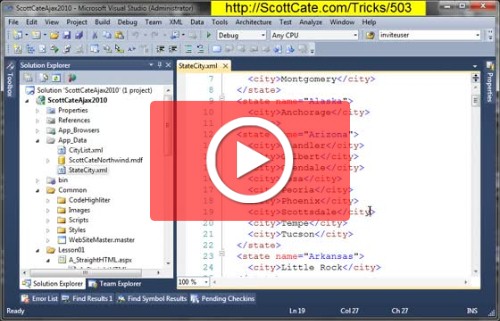
Do you recognize this sequence? Home. Shift. Up or Down. [CTRL]+[X] or [Delete] There are many better ways to cut or delete your current line of code/markeup/css/xaml/whatever. This Video Trick shows you how. This work is licensed under a Creative Commons license.
#87 Run Visual Studio commands with arguments from the command window
After the past several weeks of Find tips (i knew i would have a few tips, just not nearly a month’s worth!), let’s change things up a bit and talk about the command window. Press Ctrl+Alt+A to open the command window. Check the keybinding for View.CommandWindow if your keybindings are different. Also available from the…
#64 Keyboard Shortcut to Display Quick Info Tooltip
As you mouse over a method in the Editor, a nice tooltip (as seen in the image below) is displayed for you showing you general information about the method, parameters, overloads, possible exceptions, and other documentation pulled from the meta data about the method (including your custom comments/documentation). This video shows you how to enable…
#094 Second Helping: Beth Massi’s Visual Studio Tip of the Day Browser — ????????
So what Turkey Day was last week? No reason why we can’t have a second helping of tip of the day… but as an add-in! Beth Massi, our VB community expert, wrote a Tip of the Day Browser. But even better, she’s got a Let’s Build an Add-In walkthrough, which she’s demo’ed at the DevTeach…