#505 Search within your Find Results
Ever user [CTRL]+[SHIFT]+[F] and find too many results? Narrow your search scope, OR … search within the results. Didn’t know you could do that did you? This video shows you how.


Ever user [CTRL]+[SHIFT]+[F] and find too many results? Narrow your search scope, OR … search within the results. Didn’t know you could do that did you? This video shows you how.
Have you seen screen casts, or demos, or other folks using Visual Studio with a funky color scheme? Back backgrounds? Green backgrounds? Pink Backgrounds? Hey, whatever tickels your fancy, Visual Studio will come through for you. Kidding aside, there are some pretty cool themes with dark background colors. Here is one and here is another one….
In Visual Studio 2008, you could turn on the keyboard bindings to be displayed with the Tooltips. For example, if you hover over the save icon, you would also see CTRL+S. This was tip #64 for 2008, but seems to be missing from 2010. And I looked in every place I could, including the registry….
Do the horizontal and|or vertical scroll bars drive you nuts? Are they in the way? Taking up to much space? None of the above? All of the above? If you have ever had the need to make them dissapear this video trick #38 shows you how. This work is licensed under a Creative Commons…
Onlining,Onlining,Onlining. You know the little [+] in the left margin of your code in Visual Studio? That is called outlining, and if you click the [+] your code region will expand, and the icon changes to a [-]. Pretty straight forward. But did you know you can do all of this from the keyboard, without using…
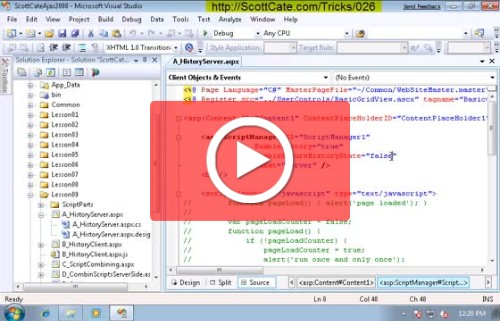
Working with a colleague? Doing a screen share? Have Visual Studio running on a projector? Get an error message that contains a line number? All these situations make your life tough if you have to watch the status bar to check your line numbers. This video shows you how to display the line numbers on…
Outlining is that little [PLUS] or [MINUS] sign in the left gutter of Visual studio. You see these around the manual regions that you create – and around natural code blocks like classes, methods, etc. New in Visual Studio 2010 is the ability to create Ad-hoc regions, without the #region command. It’s rather nice, because…