Category

VSTricks

118 posts · page 8 of 14

VSTricks

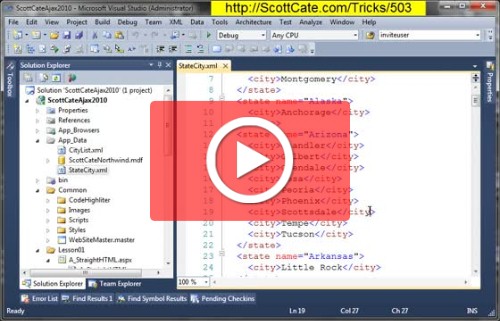
#503 New Block Select in Visual Studio 2010

We have had block select in Visual Studio for a long time. The idea of block select is simple, sometimes you want to select columns and rows (in a block) instead of the normal line by line select you get with normal drag-n-drop selection, or [SHIFT]+[ARROW] selection. We talked about this for older

VSTricks

#68 Search within the current project or entire solution?

When doing a quick find, you can select the scope of your search, including the current code block, current document, all open documents, current project, and entire solution. There is even a way to scope your search, to only look in the current code block. This might be nice for finding local varia

VSTricks

#502 VS2010 Request : Bring back Show Shortcuts in Tooltips

In Visual Studio 2008, you could turn on the keyboard bindings to be displayed with the Tooltips. For example, if you hover over the save icon, you would also see CTRL+S. This was tip #64 for 2008, but seems to be missing from 2010. And I looked in every place I could, including the registry….

VSTricks

#501 :: Change the Background color of selected text

From now on, all tricks will be recorded using Visual Studio 2010, starting with the Beta2 Ultimate product. You’ll also notice that these are playing with YouTube now, since the announcement from Microsoft that Silverlight Live Hosting services will be going away. Anyway — this is a simple tip to s

VSTricks

#500 – Wait! What? How did we get to 500?

As you know from reading the original tips/tricks series, my goal when starting to record the series was to put video to Sara Fords original Tips and Tricks. She has about 380 at last count. I’ve been wondering what to do with the tips/tricks after I’m done recording her series, and I’ve decided to

VSTricks

#67 Search in hidden text in the editor?

Ever try to search for something you know exists, BUT … the Quick Find just can’t find it? Is it possible that the text you’re looking for is in a hidden region? This video shows you how toe search hidden text in collapsed regions. [CTRL]+[F] brings up the Find and Replace tool wi

VSTricks

#66 Using Quick find in the Current Document

The standard keyboard shortcut for finding text in most applications is CTRL+F. In Visual Studio, this kicks off a Quick Find in the current document. Quick Find will pre-populate the find what text with whatever text is selected in the editor or the word that the cursor is currently on. Additionall

VSTricks

#65 Edit.WordComplete via Intellisense

Whenever you can invoke statement completion, you can also execute the Edit.CompleteWord command. This command will complete a word that is partially complete with no other possibilities. And if there are other multiple possibilities, the command will invoke statement completion. [CTRL]+[Space] or [