GraffitiCMS Wish List: Support for Internationalization
I have several offers to convert my Tech content into other languages. Currently, GraffitiCMS doesn’t support any internationalization. I hope this is on the radar.


I have several offers to convert my Tech content into other languages. Currently, GraffitiCMS doesn’t support any internationalization. I hope this is on the radar.
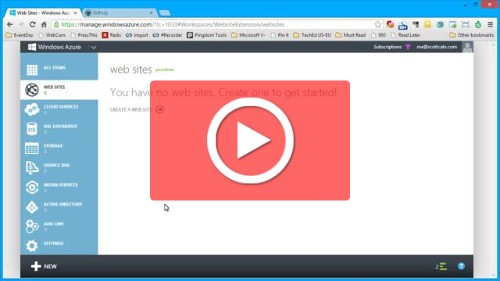
WOW. That is how I describe this screen cast. It’s 7 minutes long, and what can be done in 7 minutes is simply amazing. I know there are other ways to do this, and that Azure isn’t the first continuous deployment solution by any means …. but WOW. I have seen this and heard it…
There will be some confusion around this, and Video is worth 10,000 words so here it is. IE10 comes in two (or more) flavors. Desktop IE10, and Metro IE10. This quick screencast will show the differences …
VSLive is coming the first week of August, 2010, and I’ll be speaking at the event, talking about Visual studio. Use and abuse it to the best of your ability. My talks over the last few years have been around productivity, and this one follows suit. Plain and simple: Use Visual Studio better. That’s my…
Last year, several community leaders held a Windows Phone Unleashed event. This year we hosted it again with @DanWahlin taking the presentation lead (and speaker manager role) while I stayed behind and ran logistics. Last year we focused on Applications, where this event focused on XNA Games. we had a great turn out, and we…

It’s hard to fault a mobile OS for a client app, unless the client app is the most popular application you use. I recently brought home a Windows Phone 8, Lumia 920 for my wife. And she was more than willing to give it a try. Her current iPhone 4S was failing her, being slow,…
These are listed in a lot of places, but I keep forgetting, and then need a place to find them. What a better place than here? In Combination with the [WINDOWS] key, these are keyboard shortcuts worth remembering. [WIN]Q – Search [WIN]H – Share [WIN]K – Devices [WIN]I – Settings [WIN]W – WinSettings [WIN]Z –…