Similar Posts
#67 Search in hidden text in the editor?
Ever try to search for something you know exists, BUT … the Quick Find just can’t find it? Is it possible that the text you’re looking for is in a hidden region? This video shows you how toe search hidden text in collapsed regions. [CTRL]+[F] brings up the Find and Replace tool window. You can…
#69 F3 Repeats last Search, Shift-F3 is Find Previous
After you search and find an item, [F3] will search and find the same item again. [SHIFT]-[F3] will find the same item, but will look behind your current cursor position. Obviously, you can also press the Find Next button on the Find and Replace window, if it’s open. One thing to note about [F3], is…
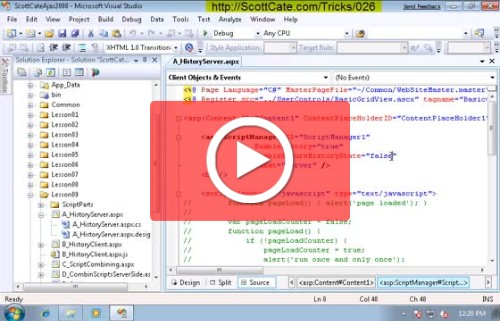
#026 Show Line numbers in Visual Studio
Working with a colleague? Doing a screen share? Have Visual Studio running on a projector? Get an error message that contains a line number? All these situations make your life tough if you have to watch the status bar to check your line numbers. This video shows you how to display the line numbers on…
#88 Log your command window session
You can record your command window session via the log command. Just run log -on <filename> and start recording. To finish logging, it’s just log -off There is also an option to overwrite the existing file; otherwise it will append. Note that both dash and forward slash will work for command arguments.
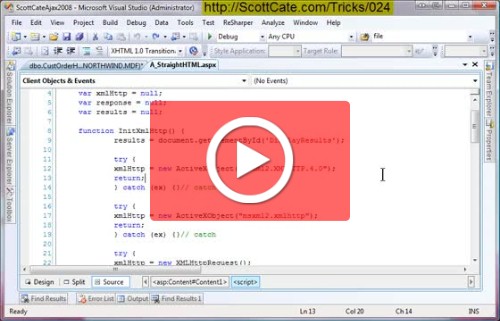
#024 Uppercase and Lowercase Keyboard Shortcuts
Some languages (like SQL) have a long standing tradition of using upper case for the keywords. But to me, it’s kind of hard to type in upper case, but at the same time I like the way it looks when a stored procedure is nicely cap’d. This video shows you how to select a word,…
#79 Use F8 to Navigate the Find Results window
You’ve probably noticed that doing a Find in Files returns all the hits in a Find Results tool window. Did you know, you can use [F8] (with focus either in the Find Results window or in the editor) to navigate to the next result or [SHIFT]+[F8] to the previous result. (Edit.GoToNextLocation and Edit.GoToPrevLocation) The video…