Desktop IE10 vs. Metro IE10 Demo
There will be some confusion around this, and Video is worth 10,000 words so here it is. IE10 comes in two (or more) flavors. Desktop IE10, and Metro IE10.
This quick screencast will show the differences …


There will be some confusion around this, and Video is worth 10,000 words so here it is. IE10 comes in two (or more) flavors. Desktop IE10, and Metro IE10.
This quick screencast will show the differences …
If you create a custom field in GraffitiCMS – can can use chalk to check if the field is turned on or not with the following chalk code snippet 1: #if($post.Custom("fieldNameCheckBox") == "on") 2: <div style="padding-top:10px;"> 3: Write something here when checkbox is clicked 4: </div> 5: #end
As I closed the lid on my MBP today, it let out a very loud and annoying cry for help. Like it was saying … Nooooooo, Don’t close me, I’m not ready to sleep! This the first time it happened, and luckily I was at Gangplank HQ and peeps were around to grab a quick video….
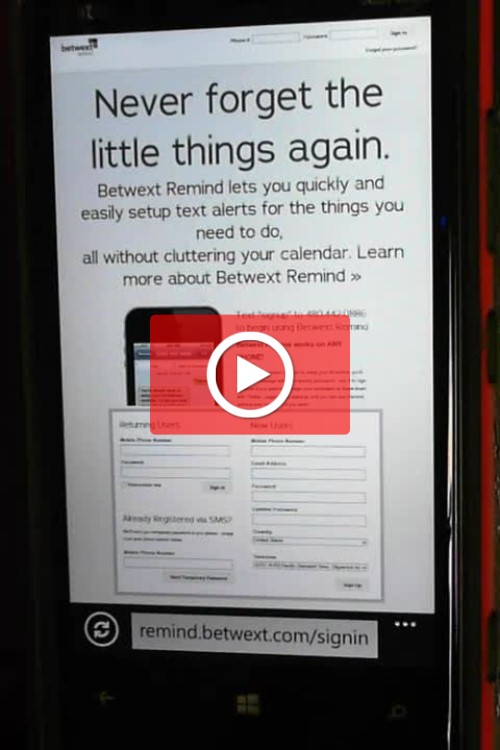
Betwext is an online service that is all about SMS texting. Text your customers, group text each friends or family or colleagues. And it has this little hidden gem of a service named “REMIND”. It does …. well …. exactly that. Reminds you. You send a text with a note to yourself, and the date and…
A reader asks… When viewing the Solution pane in Visual Studio 2008, is there a way to display file sizes? Most of my web applications have files in the project besides ASPX and the like (i.e., SWF, GIF, JPG) all of which affect download times. I like to remind myself of file sizes, and I…
At conferences I’m always giving out my blog URL. With this image I can simply display my blog, and anyone with Microsoft Tag installed on a smart client, can point and browse 🙂 Now that my blog is mobile enabled, this will be much more common. What is Microsoft Tag? (Direct Mobile Download Link: Click Here)…
So you have these things called files on your computer, right? They are precious to you. You spent hours, days, months, or maybe years to create them. Maybe it’s a Quickbook file. Maybe it’s a photo that only took a second to create – but the memory is priceless. Maybe it’s a Word doc of…