The blog

Posts

Everything I've written, newest first.

272 posts · page 30 of 31

VSTricks

#009 Move Tool Windows to a Tabbed Document

Tool Windows are great. But sometimes they contain too much information (like a search results window) to be displayed in the small portion you have allocated for the docked position of the window. This trick shows you how to move a Docked (or floating) window, up into your tabbed documents area.
VSTricks

#008 Undocking and Redocking in and out of Floating Windows

Docked windows are great, but are sometimes just a bit too small. They are sometimes holding more information (find results, or stack trace come to mind), than the real estate they have been given. You can easily resize the dock panel, but that will replace other real estate that you’re probably als

VSTricks

#007 Keyboard Navigation to Tool Window Toolbars

Visual Studio has many toolbars. The toolbars inside Tool Windows can be access from the keyboard. This video trick will show you how to move focus from the Tool Window, up onto the Toolbar, and select a specif icon. [SHIFT]+[ALT] = Jump to Toolbar inside a focused Tool window. [ALT]+[SHIFT] = Does

Technology

Sara Ford

Thank you Sara Ford for Starting VSTOD back in 2007. The tips were not easy to come up with, and you have spent many many hours/days/weeks/(more than a year in-fact) putting them together. My hope is not only to enhance your original Tip Of the Day posts by adding video samples, but also continue to

VSTricks

#006 Resize Tool Windows Using the keyboard

Resizing internal floating windows in Visual Studio? Easy with the mouse right. Just a simple drag-n-drop. But for you keyboard fanatics, did you know you can resize floating windows from using keyboard shortcuts? This one will win bets in a Best of Visual Studio contest. [ALT], [SPACE] = Context me

VSTricks

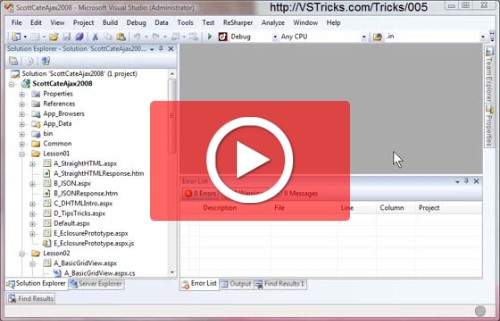
#005 Move Tool Windows Using the keyboard

No doubt you’ve seen how Visual Studio can dock tool windows in al kids of cool patterns, floating, docked, tabbed, etc. Did you know you can grab and move these tool windows with the keyboard? [ALT]+[MINUS {-}] = Show Tool Window Move Menu [ALT]+[F6] = Toggle Forward through all open Tool Windows [

VSTricks

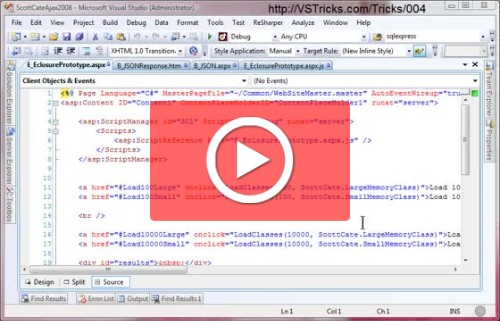
#004 Window Splitting in Visual Studio

Splitting windows/documents in multiple places can make your life much easier when working with a large number of documents. Check out the same document in split view to read the document in more than place (like top and bottom), or setup multiple documents side-by-side. [MENU] Window|Split [Footnot

VSTricks

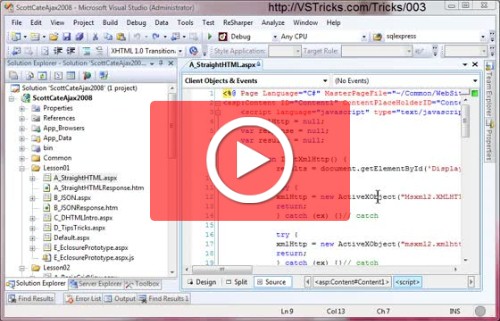
#003 Show/Hide White Space in Visual Studio

Show and Hide White Space in documents. [CTRL]+[R] + [CTRL]+[W] = Toggle Show|Hide White Space [Footnote] Jan 8th, 8:15pm Sorry for my voice in today’s video’s – I’m currently befriending a bottle of Vitamin C to try and keep this sore throat in check. But I’m already behind on my new years resoluti

VSTricks

#002 Block or Column Select, Cut, Copy, Paste

Block or Column select has to do with selecting text for copy/paste/cut actions. You’re probably already aware of [SHIFT]+[Arrow] to select left or right, or up or down. You’ve even in fact used these keys in combination with each other to get just he right selection. Throw the [ALT] key into the mi