The blog

Posts

Everything I've written, newest first.

272 posts · page 5 of 31

VSTricks

#027 Print line number from Visual Studio

Do you ever have to print your source code? If you do, and then hand that source code out at a meeting, or leave it with someone, it is **MUCH** nicer to have line numbers printed for reference. This video shows you how to accomplish line numbers on your source code prints. File | Print

VSTricks

#026 Show Line numbers in Visual Studio

Working with a colleague? Doing a screen share? Have Visual Studio running on a projector? Get an error message that contains a line number? All these situations make your life tough if you have to watch the status bar to check your line numbers. This video shows you how to display the line numbers

VSTricks

#025 Increase and Decrease line indentation in Visual Studio

Tabbing / Indenting / Undenting (okay that’s not a word, but it sounds good) in Visual Studio is very simple. There are several options to get your code formatted just the way you like it. This video trick shows you how. [TAB] (With a line [or lines] highlighted) will further indent [SHIFT]+[TAB] (W

VSTricks

#024 Uppercase and Lowercase Keyboard Shortcuts

Some languages (like SQL) have a long standing tradition of using upper case for the keywords. But to me, it’s kind of hard to type in upper case, but at the same time I like the way it looks when a stored procedure is nicely cap’d. This video shows you how to select a word,

VSTricks

#023 Color coded track changes

The indicator margin has all these yellow and green ticks on it. What are they? This video shows you what they are, why they’re there, and how to show/hide them. Tools|Options >> Text Edit / General >> Track Changes = Toggle the visible track changes

Technology

Windows Phone 8: Email Live Tile Notifications

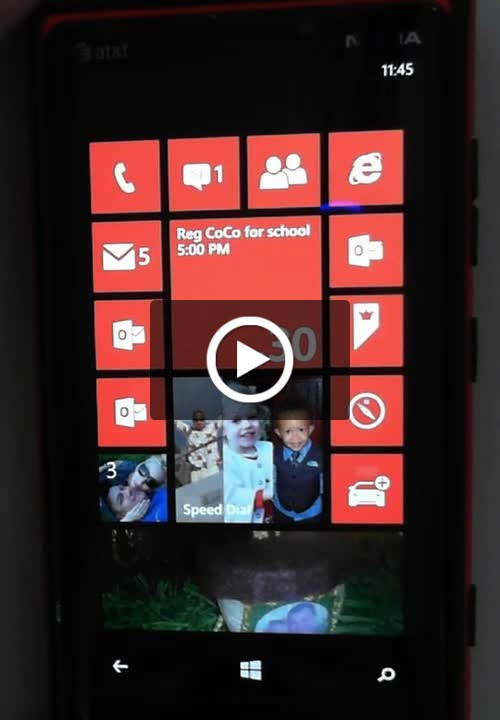
Live Tiles. You love them right? Do you know what the live tile updates for email actually mean? It’s not the number of unread messages, it’s the number of new messages since the last time you opened your email on your phone. This is a quick video, showing you the difference.