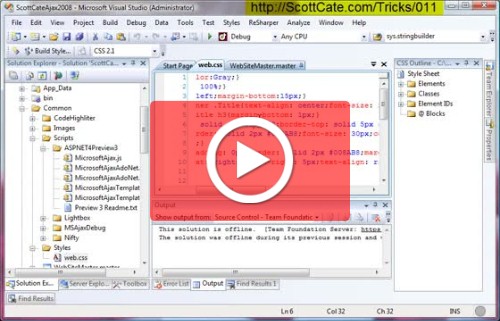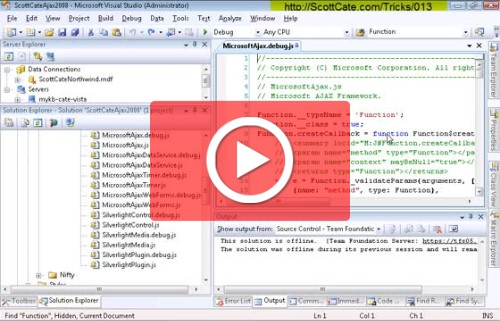
#013 Quick Find Options, Match Case, Whole Word, and more
Quick Find by default uses the options set in [CTRL]+[F] Find window. This quick video shows you how they work, and will help you quickly navigate your Quick Finds.
The blog
Everything I've written, newest first.
272 posts · page 7 of 31
Quick Find by default uses the options set in [CTRL]+[F] Find window. This quick video shows you how they work, and will help you quickly navigate your Quick Finds.
Yet another search tip. This is a helpful feature that helps you remember and reuse searches that you have already done. This info persists across sessions, so when you open Studio next time, you’ll be able to see a history from the last session’s find/search data. [CTRL]+[D] Focus to the Quick Find
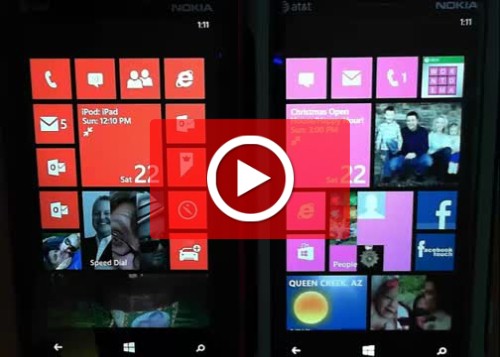
As of today, this is my new favorite feature. I’m on a call, or in the middle of something, and can’t take an incoming call. There is the ignore button that sends someone to voice mail, but then I have to check voice mail. This feature let’s you Auto Reply to caller with a predetermined
Space management in Visual Studio is important. Especially if you have Studio running on a projector, small monitory, or are using the split screen options extensively. Visual Studio has a couple of running modes, and each of these modes has it’s own memory. So when you’re in Full Screen, Debug, or
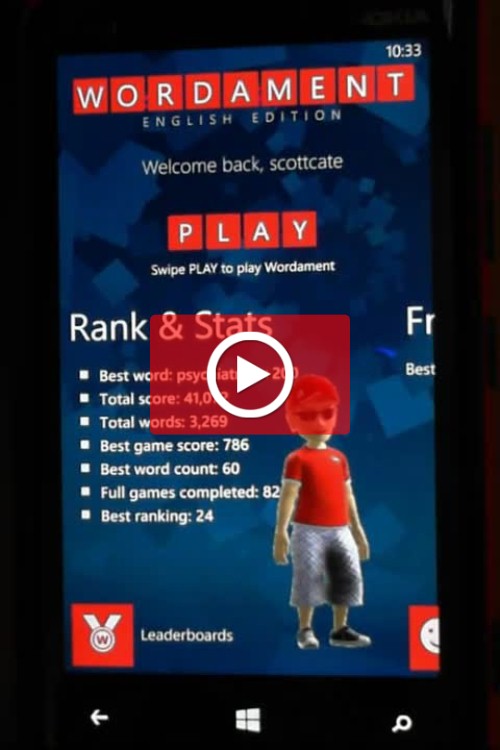
Just get a high score you want to save (for bragging rights)? Or you want to save that 4 Square Check in? Here is my favorite? Screen shot the bar code on your boarding pass in the email app. Then when you get to the event or airport, the barcode or QRCode is already in
If you have low vision, or find your self squinting to see really tiny, Windows Phone 8 has a really nice feature named “Screen Magnifier”. This could help if you’re in a dark area (like on a plane, or cab at night), so it’s a nice feature to learn and love. It’s a little hard
Windows Phone 8 has a very nice version of Internet Explorer v10 built in, and does an amazing job with HTML5, video, pinch/zoom, tabs, pinned tiles, and a bunch of other great features. One nice feature is that under Settings, you can tell IE10 on Windows Phone 8, to pretend to be the full desktop
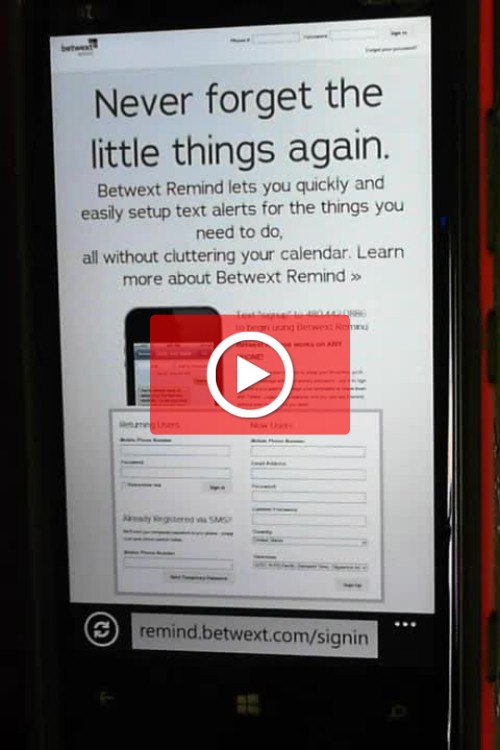
Betwext is an online service that is all about SMS texting. Text your customers, group text each friends or family or colleagues. And it has this little hidden gem of a service named “REMIND”. It does …. well …. exactly that. Reminds you. You send a text with a note to yourself, and the date and
If you ever wanted to see the traffic back and forth to your phone, this post will show you how. This is a must know trick, if you’re a mobile developer, and is something I use on a very regular basis. Abstract: Open Fiddler, which listens on port 8888. Then change your phone wifi connection,